 TRUE NIWAS
Start with the next action you want
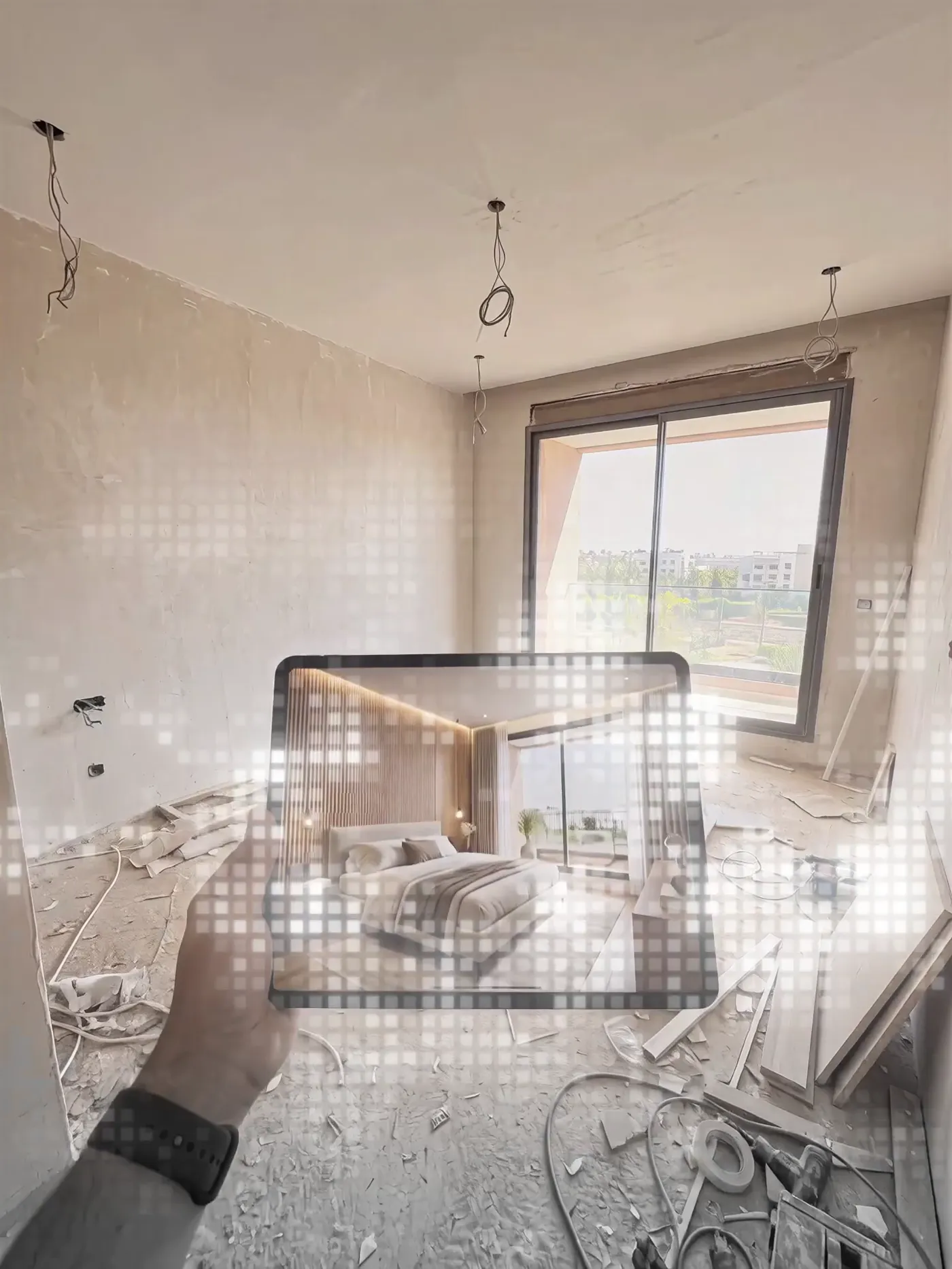
Architectural visualisation is not one deliverable. A still render, a cinematic walkthrough and an interactive experience solve different presentation problems. The best starting point is the action you want someone to take after viewing: recognise a project, understand a layout, compare an option or request a conversation.
A property launch may need more than one format, but that does not mean every asset must be produced at once. Decide which channel matters first and build a brief around it. A focused launch set is easier to review and maintain than an oversized library of nearly identical views.
Photoreal Still Renders: one considered view
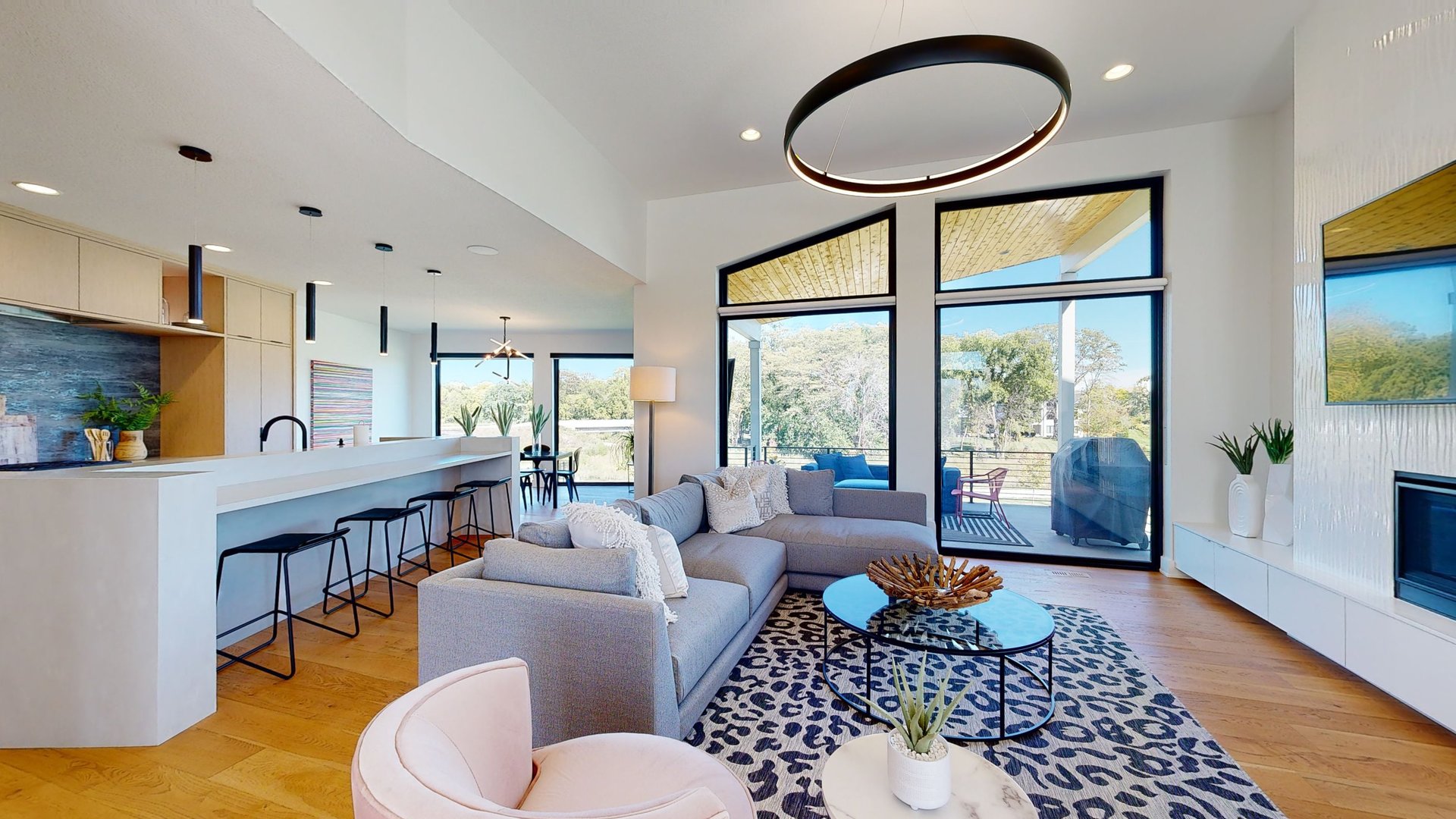
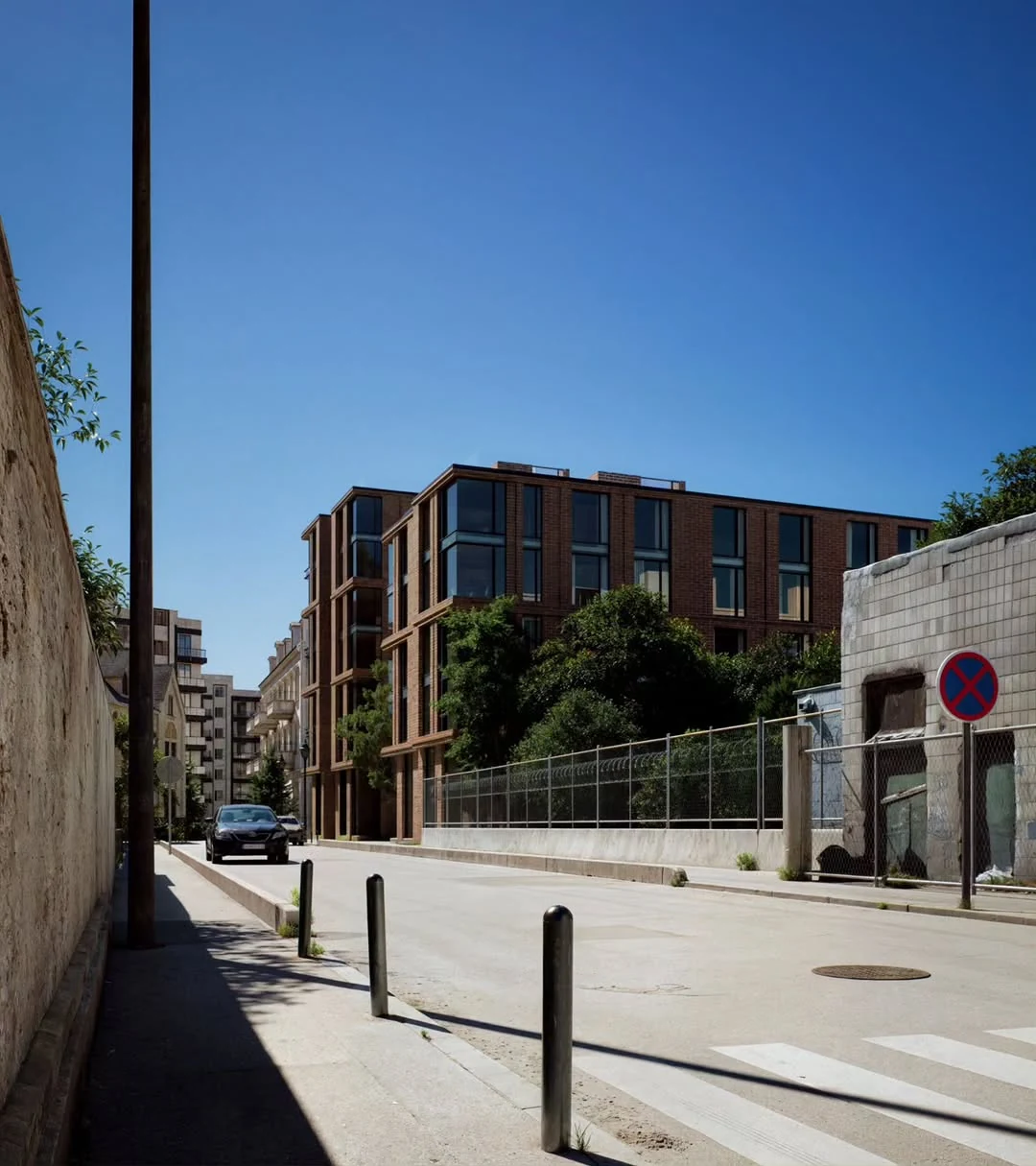
A still image gives you precise control over composition, lighting and the details you want noticed. It is useful for websites, brochures, listings and large-format marketing. Exterior and interior views have different jobs; choose camera angles that answer a question rather than repeating the same room.
Specify the final use, image dimensions, crop requirements and print needs before production. A wide banner, a portrait social post and a brochure spread may need different framing. More pixels do not fix a composition that was designed for the wrong format.
Cinematic Property Animation: guide the story
A walkthrough film can introduce a development in a deliberate sequence. The camera, editing and sound guide attention from the wider setting to a particular detail. It suits presentations where the viewer benefits from a clear narrative rather than having to decide where to go.
Agree a storyboard and approximate duration early. Review the route before polishing every frame. Decide whether the film needs music, voiceover, subtitles, a silent version or alternative aspect ratios. A beautiful long film is not automatically the right asset for a short mobile advertisement.
Interactive 360° Virtual Experience: let people investigate
An interactive experience gives the visitor more control. Depending on the agreed build, they can move through space or compare materials and lighting. It is valuable when a buyer has a specific question that a fixed camera path cannot anticipate.
Interactivity introduces its own responsibilities: clear controls, mobile usability, loading behaviour and hosting. Plan a simple first interaction and a way to ask for help. Use a film or still preview to introduce the experience without forcing every visitor to load it immediately.
Build a brief that avoids repeat work
Share the design status, models or drawings, approved materials, reference images and intended audience. Identify who approves the work and consolidate feedback between revision rounds. Label provisional elements so marketing visuals do not accidentally become promises about unfinished specifications.
True Niwas offers Photoreal Still Renders, Cinematic Property Animation and interactive services as distinct options. Choose the initial format around your deadline and channel, then discuss whether assets can support later outputs. Reuse depends on the source model, detail level and rights agreed for the project.
Before you brief a studio
Use this checklist to prepare your brief. These checkboxes stay on this page and are not submitted.
Questions, answered.
Is a video always better than a render?
No. A strong still may be better for a listing or print placement; a film helps when the sequence itself explains the project.
Can I use one image in every format?
You can adapt some images, but plan important portrait, landscape and print compositions in advance to avoid awkward crops.